Codes
Discord-only Light Up Christmas codes: empty active list, ~98k visit context, likes milestone watch, redeem tips, and free group cash.
View all CodesDiscord codes, light tiers, cash routes, and rebirth tips.
Unofficial Light Up Christmas Roblox wiki for Discord codes, light tiers, cash routes, rebirth tips, and Santa gifts.
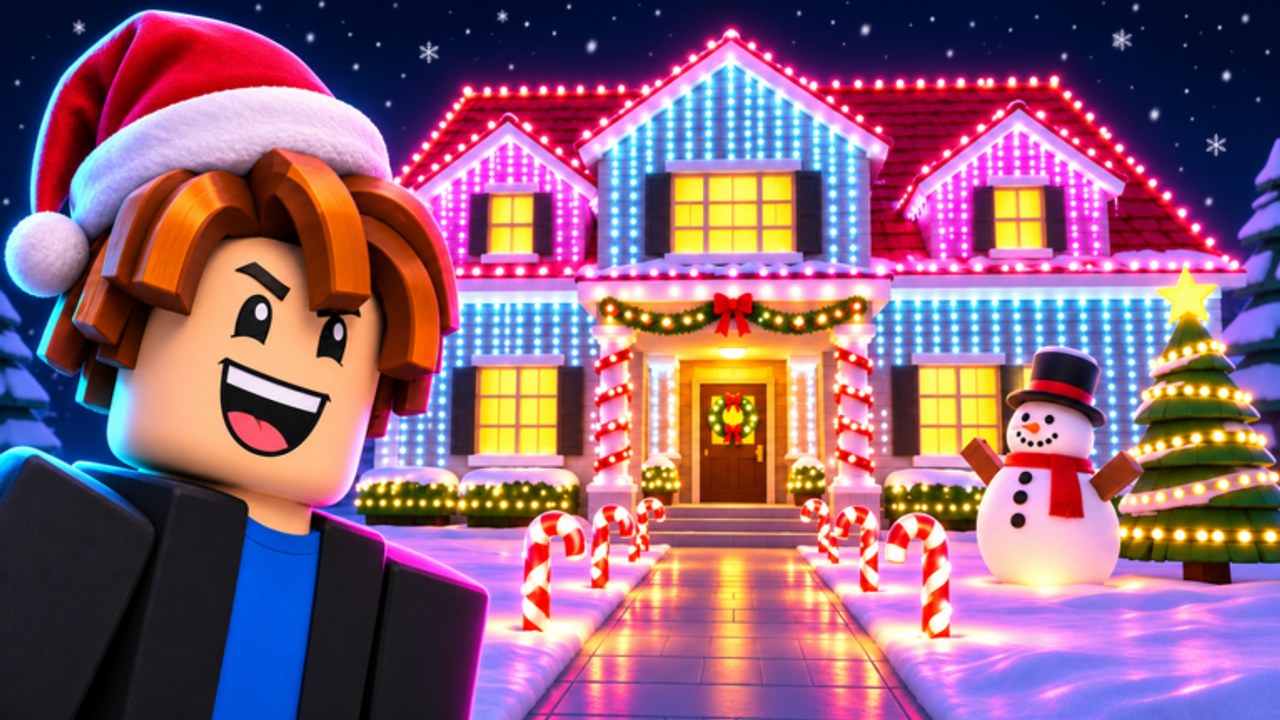
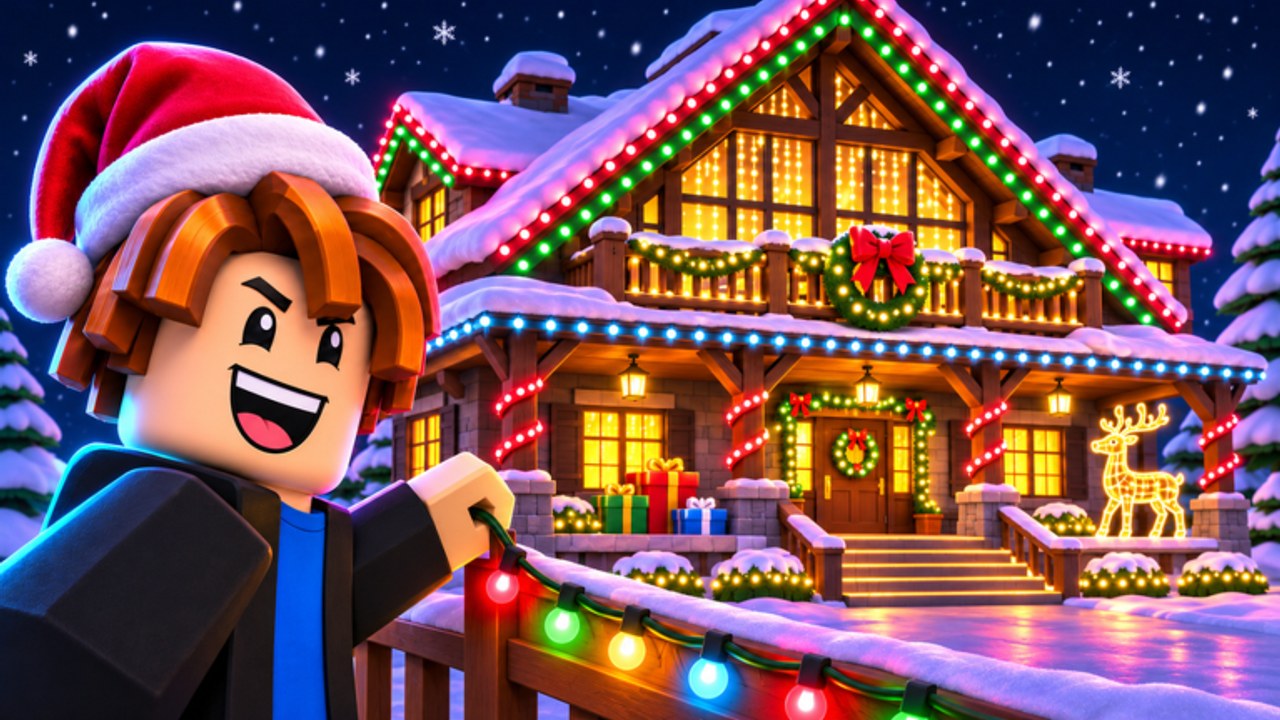
Light Up Christmas! by The Chunkies! is a Roblox decoration tycoon: string lights, plant inflatables, and earn cash when cars drive by at night — the brighter the house, the bigger the payout. Open presents for rare inflatables, catch Santa gifts, climb leaderboards, and rebirth to grow even larger (max 6 players). Start with the beginner guide, claim Discord codes, plan buys with the decoration planner, and check the lights tier list.
Discord-only Light Up Christmas codes: empty active list, ~98k visit context, likes milestone watch, redeem tips, and free group cash.
View all CodesLight Up Christmas guides for decorating, earning cash from night traffic, presents, Santa gifts, and rebirth progression.
View all GuidesLight Up Christmas tier lists for lights and inflatables ranked by progression value and street brightness efficiency.
View all Tier ListLight Up Christmas community hub: Roblox group free cash, Discord codes, leaderboards, and how top decorators climb.
View all PlayersLight Up Christmas patch tracker: launch summary, balance changes, events, and where The Chunkies! post notes.
View all UpdatesLight Up Christmas scripts status: none verified yet, where communities post, expected features, and safety-first advice.
View all ScriptsPractical Light Up Christmas tools: decoration planner, brightness checklist, and session helpers for faster festive progress.
View all ToolsFan wiki overview for Light Up Christmas: game loop, official links, Discord codes rule, group cash, and hub map.
View all LinksOpen the Roblox experience from The Chunkies!, claim a house plot, and learn the night drive-by loop in the Getting Started guide.
Codes are Discord-only. Join the official server, copy new drops, and redeem with the steps on Codes and How to Redeem Codes.
Join group 51870339 for the free cash reward called out on the game page, then spend it on early lights — details on the Players Hub.
Prioritize street-facing lights and focal inflatables. Use the Decoration Planner, Decorations, and the lights tier list.
Run night cash routes from Earn Cash Fast, open presents, catch Santa gifts, then rebirth when payouts stall.
Quick answers about codes, lights, cash, and rebirth.
Read Getting Started, redeem codes, join The Chunkies! group for free cash, then follow the Decoration Planner.
Codes are posted only in the official Discord (https://discord.gg/CcPpjUvNQj). Track them on the Codes Hub and redeem with How to Redeem Codes.
Brighten the street-facing side of your house so night cars pay more. See Earn Cash Fast and the lights tier list.
This wiki is available in English, Français, Deutsch, Español, Português (BR). Use the language selector at the top right to switch.
Rebirth when measured night payouts go flat and you can rebuild your facade quickly. Full timing tips are in the Rebirth guide.
No. This is an unofficial fan wiki for Light Up Christmas on Roblox. Confirm codes and announcements in the official Discord and The Chunkies! group.
Claim codes, follow the beginner guide, and use the decoration planner so every night drive-by pays more.
Start with the beginner guide