Light Up Christmas Discord & Roblox Group Guide
Codes live in Discord; free cash lives with The Chunkies! group — set up both channels the right way.
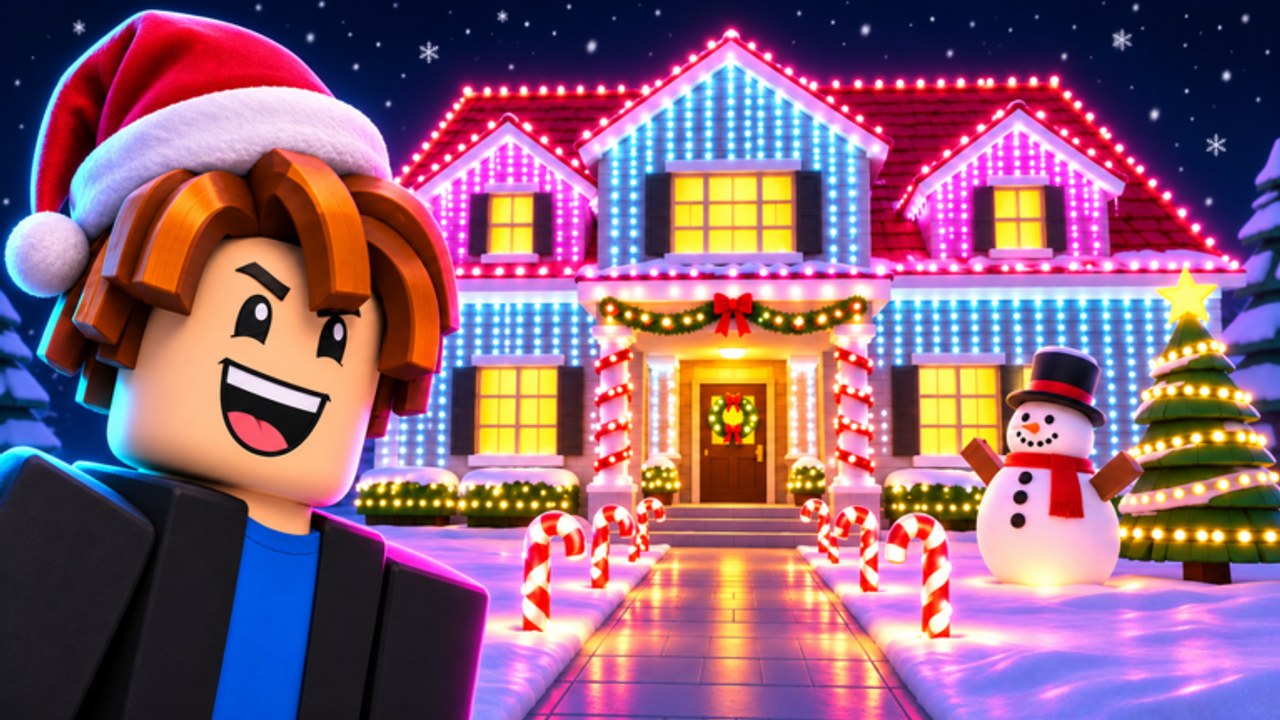
The fastest legitimate boosts in Light Up Christmas! are social, not mechanical. The Chunkies! publish promo codes in Discord only and call out free cash for members of their Roblox group. This deep guide covers how to join both, claim rewards safely, behave well in community spaces, and connect community milestones — like the 500 likes admin abuse teaser — to your decorate loop.
Start from the Players hub for leaderboards and lobby tips, then use this page as the checklist for Discord and group setup.
Official links (bookmark these)
| Channel | Link / id | What it is for |
|---|---|---|
| Experience | Light Up Christmas! on Roblox | Play, likes, favorites, description teaser |
| Discord | discord.gg/CcPpjUvNQj | Codes, patch chatter, event timing |
| Roblox group | The Chunkies! (51870339) | Free cash eligibility, shouts |
| Social | @ChunkyRoblox0 | Extra developer posts when used |
This wiki is fan-made. When Discord wording conflicts with a random YouTube description, Discord wins.
Part 1 — Join Discord for codes
Codes for Light Up Christmas are Discord-only. That design rewards people who actually join the community and lets staff rotate or kill leaked strings quickly.
Join checklist
- Open discord.gg/CcPpjUvNQj while logged into your Discord account.
- Accept rules and complete any reaction / role gates that unlock announcement or codes channels.
- Find the channel staff use for drops (often named around codes, announcements, or updates).
- Enable notifications for that channel if you chase limited-time strings.
- Copy codes carefully — case and spacing usually matter.
- Redeem in-game using How to redeem codes.
- Confirm status on the Codes hub, which refuses to invent strings.
Code hygiene
- Never buy “private codes” from strangers in DMs.
- Never download a “code generator” executable.
- Never share your Roblox password or cookie in Discord.
- Treat screenshots from unknown servers as unverified until you see the same string in The Chunkies! Discord.
Milestone days — visit spikes, like goals, seasonal drops — are the most common times new codes appear. Early tracking already showed visits near ~98k and favorites around ~1.5k after the 9–10 November 2026 launch window, so community celebrations are part of the live ops rhythm.
Part 2 — Join Roblox group 51870339 for free cash
The experience description highlights free cash for joining The Chunkies! group. Do this on the same Roblox account you play:
- Open the experience page and follow the community / group link, or search group id
51870339. - Click Join.
- Launch Light Up Christmas and look for the group reward claim the game surfaces.
- Spend the cash on early street-facing lights, not vanity backlog.
- Stay in the group so membership-tied perks remain available if rewards expand.
Group cash is not a promo code. Codes are temporary strings; group cash is a membership perk. Do both.
If the claim button fails after joining, rejoin the experience, confirm you are on the correct account, and check Discord for temporary outage notes.
Part 3 — Etiquette that keeps lobbies and Discord useful
In Discord
- Read pins before asking “any codes?” every five minutes.
- Do not spam identical redeem questions; use the redeem guide first.
- Keep spoilers for unfinished admin events in the right channel if staff ask.
- Report scammers to moderators instead of arguing them forever in public chat.
In six-player game servers
- Share tips; do not harass new decorators.
- Avoid blocking shop paths on shared walkways.
- Do not pretend staff roles or fake giveaways in lobby chat.
- Hop servers if you need quiet build time — max six players means one toxic seat wastes a large share of the lobby.
Friendly communities make milestone events better. Admin abuse sessions (when they happen) are more fun in lobbies that are not full of scavenger scams.
Part 4 — Likes milestones and community updates
The official description teases “500 likes for admin abuse update!” That is a community progress bar, not a finished loot table. Practical player response:
- Like the experience if you want the milestone sooner.
- Watch Discord for the real schedule and rules.
- Prep with the Likes milestone checklist (rejoin, codes, claim gifts).
- Do not invent reward lists on social media and call them official.
Likes, favorites, visit counts, and Discord members move together. When The Chunkies! celebrate a threshold, expect either a live session, a patch, a code, or a combination. This wiki will summarize confirmed outcomes on Updates after official wording lands.
Part 5 — Session routine that uses both channels
Every serious session:
- Check Discord for new codes → redeem.
- Confirm group membership and free cash claim.
- Decorate for night brightness.
- Glance at experience likes if a milestone is close.
- Recheck Discord after big nights in case staff dropped a surprise string.
That routine pairs cleanly with Getting Started, cash routes on Earn Cash Fast, and board climbing on Leaderboards.
Scams to ignore
- Phishing links that mimic Discord invites
- “Verify Roblox to claim admin abuse” fake sites
- Paid script sellers tying tools to fake code bundles — see Scripts and Script safety
- Impersonators using Chunkies-like names in DMs
If a reward requires your password, it is not a Chunkies reward.
How this page fits the wiki
- Live code policy: Codes
- Redeem steps: How to redeem codes
- Community overview: Players
- Milestone teaser deep dive: Likes milestone
- Site overview: About this wiki
Join Discord for the strings, join the group for the membership cash, like the game if you want the admin abuse teaser to resolve, and spend every freebie on a brighter street view. That is the whole social meta for Light Up Christmas.
Frequently Asked Questions
Quick answers about codes, lights, cash, and rebirth.
Where do Light Up Christmas codes come from?
Codes are Discord-only. Join discord.gg/CcPpjUvNQj, copy from official channels, and redeem in-game. This wiki does not invent codes.
How do I get the group free cash?
Join The Chunkies! Roblox group (id 51870339) on the same account you play, then claim the in-game group reward when the experience offers it.
Is the Discord invite safe?
Use the invite linked from the official experience or discord.gg/CcPpjUvNQj. Avoid lookalike invites sent in random DMs.
How do likes relate to updates?
The game description teases a 500 likes admin abuse update. Track likes on the experience page and follow Discord for the real event details — see the Likes milestone article.
Do I need both Discord and the group?
Yes if you want every freebie. Discord carries temporary codes; the group carries membership free cash. They are separate rewards.