Light Up Christmas Players & Community
Group rewards, Discord codes, leaderboards, and how competitive decorators stay ahead.
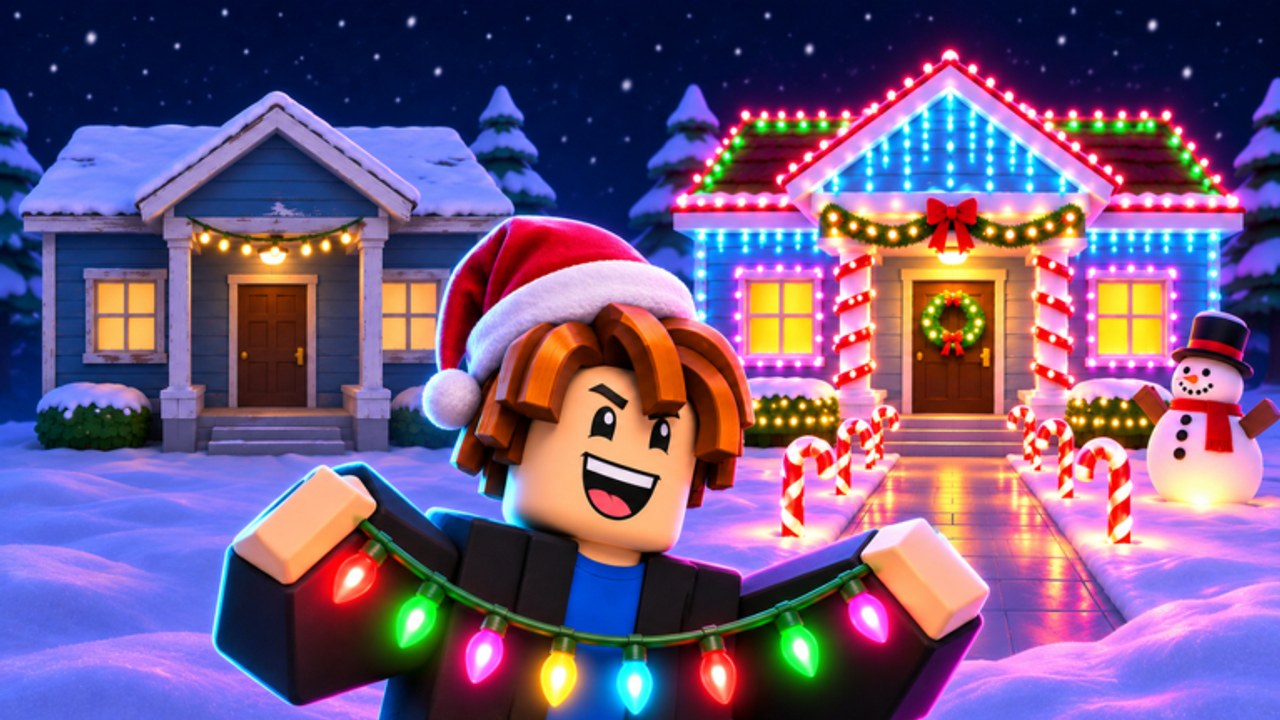
Light Up Christmas! by The Chunkies! is a festive decoration tycoon where brightness pays. Cars roll past at night and tip based on how lit your house looks, so the players who climb fastest combine strong layouts, smart spending, and community bonuses. This hub covers the social side of the game: the official Roblox group, Discord-only codes, server etiquette in six-player lobbies, and the leaderboards that track who is shining brightest.
If you are brand new, pair this page with the Getting Started guide, then claim rewards from Codes before you sink cash into lights. For a full social setup walkthrough, open Discord and group.
Official Roblox group (free cash)
The Chunkies! Roblox group (group id 51870339) is the developer community for Light Up Christmas. Joining is free and the experience description calls out free cash for group members. Treat that payout as early-game fuel: spend it on your first wave of lights and yard pieces instead of sitting on the balance.
Practical group checklist:
- Open the Light Up Christmas Roblox page and follow the community link to The Chunkies!
- Join the group while logged into the same account you play on.
- Rejoin the experience and confirm the free cash credited.
- Route that cash into high-visibility lights first — see the lights tier list and the decoration planner.
- Stay in the group so you do not lose membership-tied perks if the developers expand rewards later.
Group membership also keeps you closer to announcement traffic. Patch notes, like goals, and event timing often show up in community channels before they are obvious in-game. Deep join + etiquette notes: Discord and group.
Discord is where codes live
Promo codes for Light Up Christmas are Discord-only. The official invite linked from the experience is https://discord.gg/CcPpjUvNQj. Do not expect working codes on random social posts or unverified lists. Open Discord, find the codes channel the staff pin or announce in, copy carefully, then redeem in-game. Step-by-step redemption lives on How to Redeem Codes and the live list sits on the Codes Hub.
Community tips that save time:
- Enable notifications for the codes channel so you claim drops before they expire.
- Paste codes exactly — case and spacing matter on most Roblox redeem UIs.
- Redeem on the account you actually play; codes usually do not transfer.
- After redeeming, push the reward cash into brightness upgrades or a rebirth prep stack — see Earn Cash Fast and Rebirth.
- Watch like-milestone chatter — the official 500 likes admin abuse teaser may pair with Discord codes; prep on Likes milestone.
Leaderboards overview
Leaderboards celebrate the brightest, richest, or most progressed houses depending on which board the developers surface in a given update. Climbing them is not pure luck: it is a loop of decorating for night payouts, opening presents for rare inflatables, timing Santa gifts, and rebirthing when multipliers beat raw cash. Deep tactics live on the dedicated Leaderboards page.
At a high level:
- Brightness boards reward players who treat the yard like a light map, not a random pile of props. Front-facing sightlines for drive-by cars matter more than filling every corner.
- Cash or progression boards reward efficient earn-and-rebirth loops. Stockpiling without spending can look rich for a moment and then fall behind players who reinvest.
- Seasonal or event boards (when present) reward players who react to Santa visits, present drops, and update-day sales the same night they land.
Use the Tier List Hub to prioritize purchases, then pressure-test layouts with the Decoration Planner before you dump a rebirth stack into the wrong inflatable.
Six-player servers and social play
Servers cap at six players. That keeps lobbies cozy: you will see neighbors decorating, competing for board spots, and chatting about codes. Be a good lobby mate — do not block shop NPCs, spam jump pads into others’ build areas if the map allows shared space, or spoil Santa timing in a way that griefs new players. Friendly servers trade tips; toxic ones waste the limited player slots.
If you want quieter grinding, hop servers until you find an open house plot with fewer active decorators. For competitive nights, stay in populated lobbies so you can compare brightness live and learn from whoever is currently topping the board.
How serious players structure a session
- Check Codes and Discord for anything new, then redeem.
- Confirm group free cash is claimed.
- Run a night cycle and note payout size — that number is your brightness report card.
- Buy or rearrange lights and inflatables using Decorations and Presents and Inflatables.
- Watch for Santa and bank gifts via Santa Gifts.
- When multipliers stall, plan a Rebirth instead of overbuying mid-tier clutter.
- Recheck Leaderboards after the night cycle to see if the change moved your rank.
Related wiki routes
- Social setup: Discord and group, Leaderboards
- Progress loops: Getting Started, Earn Cash Fast, Rebirth
- Shopping decisions: Tier List, Lights, Inflatables
- Planning tools: Decoration Planner
- News and utilities: Updates, Likes milestone, Scripts (use at your own risk; never share account credentials)
Stay plugged into the group and Discord, decorate for drive-by brightness, and treat leaderboards as a feedback loop rather than a vanity score. That is how Light Up Christmas players turn a festive house into a climbing cash machine.
Frequently Asked Questions
Quick answers about codes, lights, cash, and rebirth.
Where do I get free cash in Light Up Christmas?
Join The Chunkies! Roblox group (linked from the experience) for the free cash reward called out by the developers, then check Codes for Discord promo drops. Full steps: Discord and group.
Where are Light Up Christmas codes posted?
Codes are Discord-only. Join https://discord.gg/CcPpjUvNQj, copy from the official codes channel, and follow How to Redeem Codes.
How many players can join one server?
Light Up Christmas servers support a maximum of six players. Hop lobbies if you want a quieter build session or a busier competitive night.
How do leaderboards work?
Boards track top houses by brightness, cash, or related progression stats depending on what the developers surface. Strategy details are on Leaderboards.
Is this an official Chunkies wiki?
No. This is an unofficial fan wiki. Confirm codes, group rewards, and patch notes through the official Discord and Roblox group.